Loading notifications...
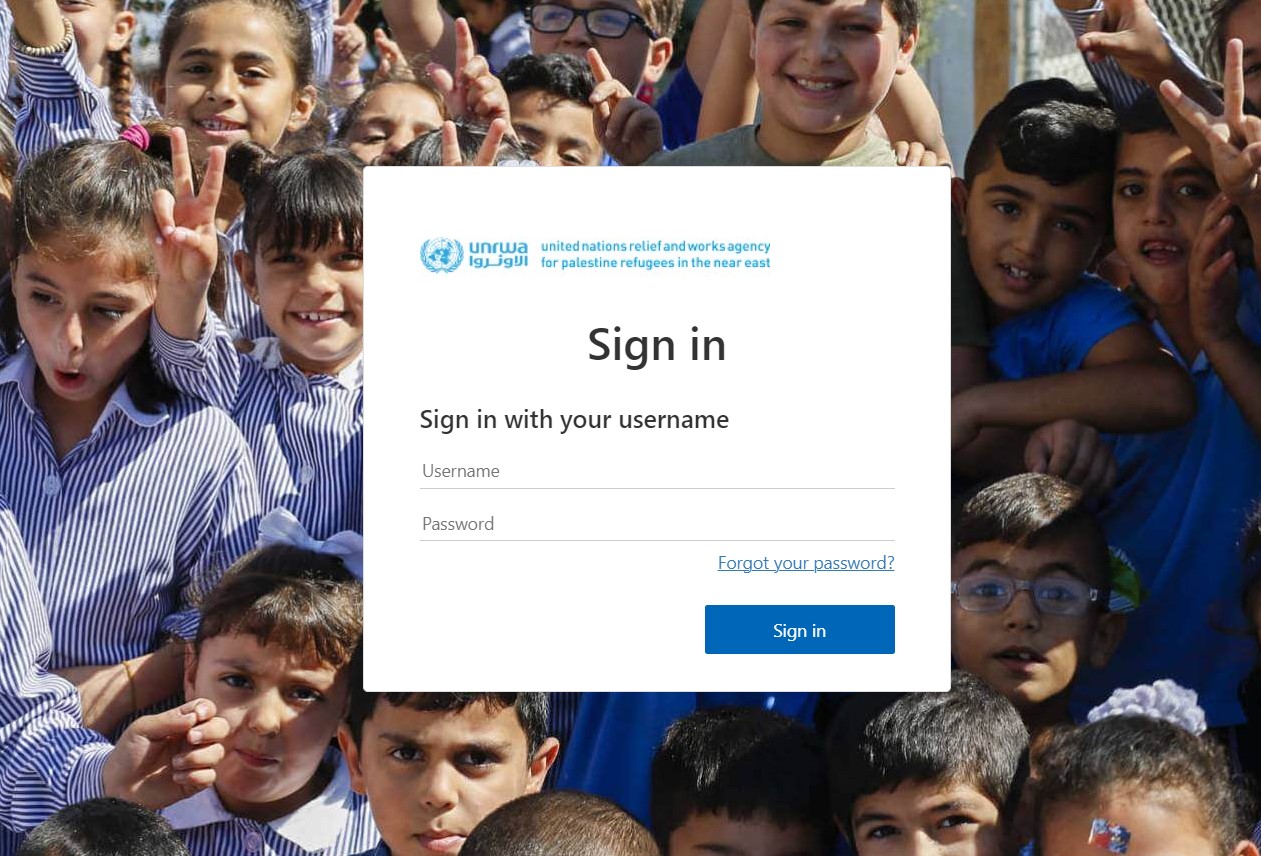
If you are registered on the eUNRWA platform, you can log in directly by choosing the Sign In button, Then enter the username and password used on the e-UNRWA platform as shown in the following image
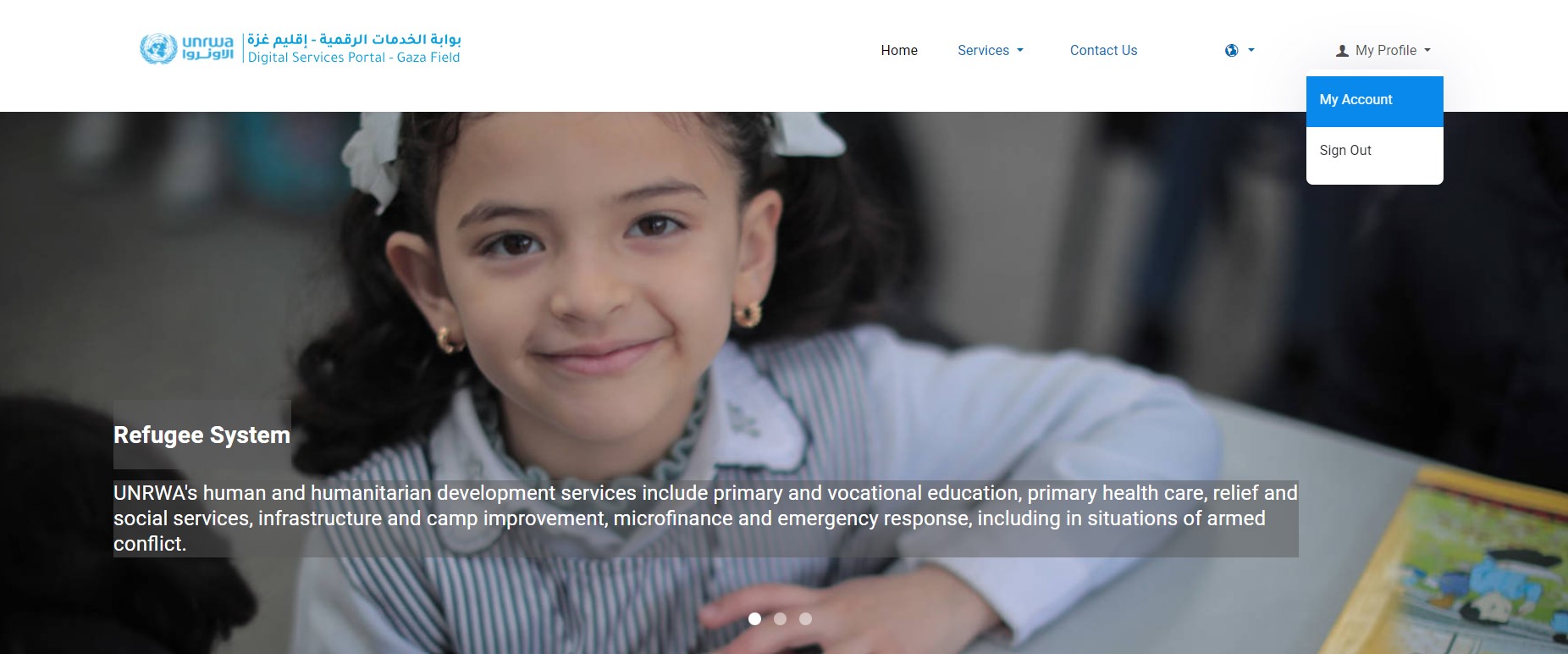
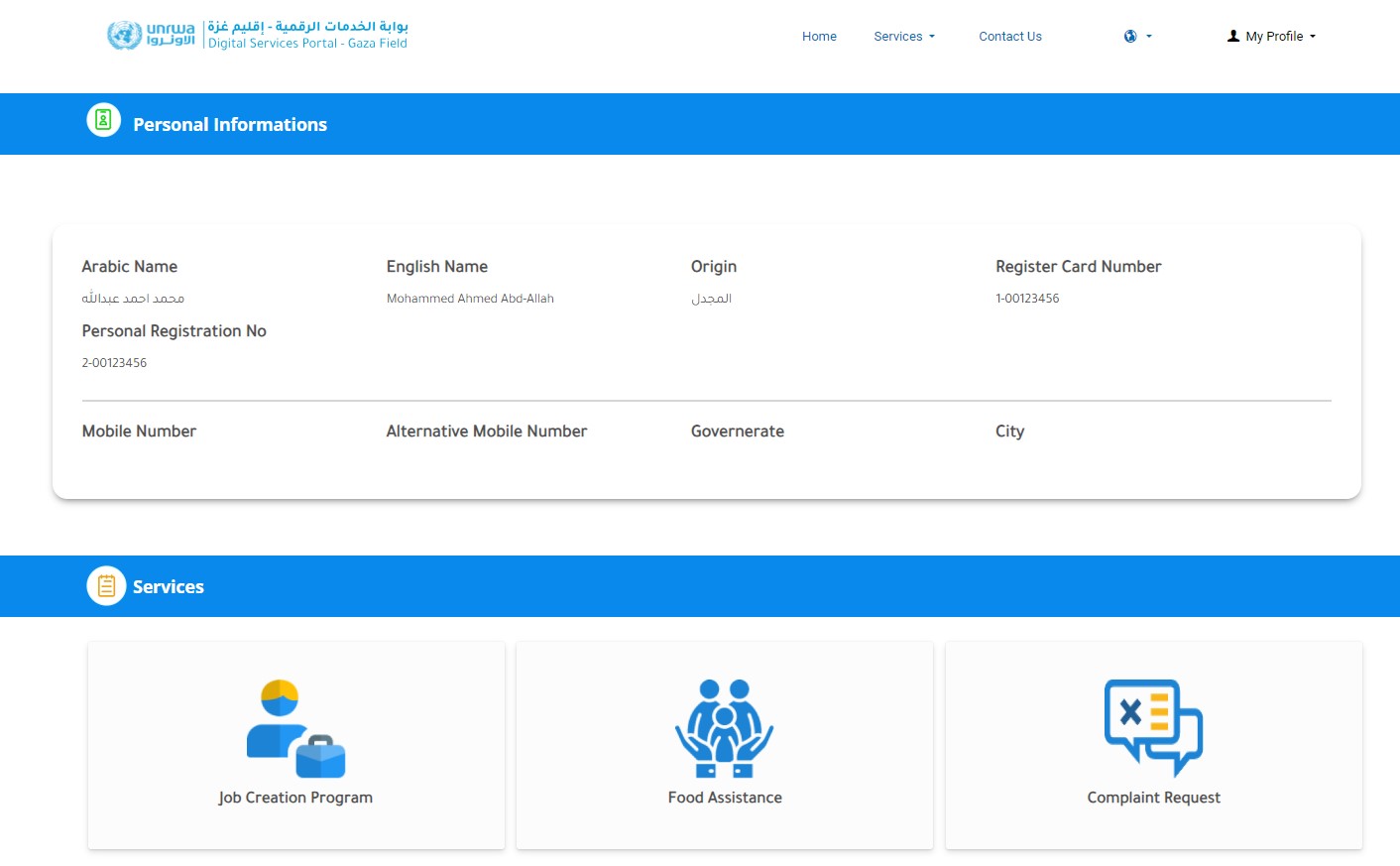
Then your page will appear, and you can check your information by clicking on 'My Account' in the menu within my profile
Through which you can access your personal information as well as the services available to you through the platform.
If you are not registered on the e-UNRWA platform, you can register on the platform by downloading the e-UNRWA application through the following links.
Then follow the steps shown in the following video:
https://www.youtube.com/watch?v=C0G_6k38GZIIf you already have an existing account, you can log in directly by selecting the “Log In” button and then entering your username and password, as shown in the image below.
Then the main menu will appear, through which you can go to the attendance registration page
If you are not already registered, you can sign up with your email by clicking on “Sign up now” on the login page.
Then the organization will contact the CFW department at UNRWA to activate your account.
Please select your preferences: